Global when you want it
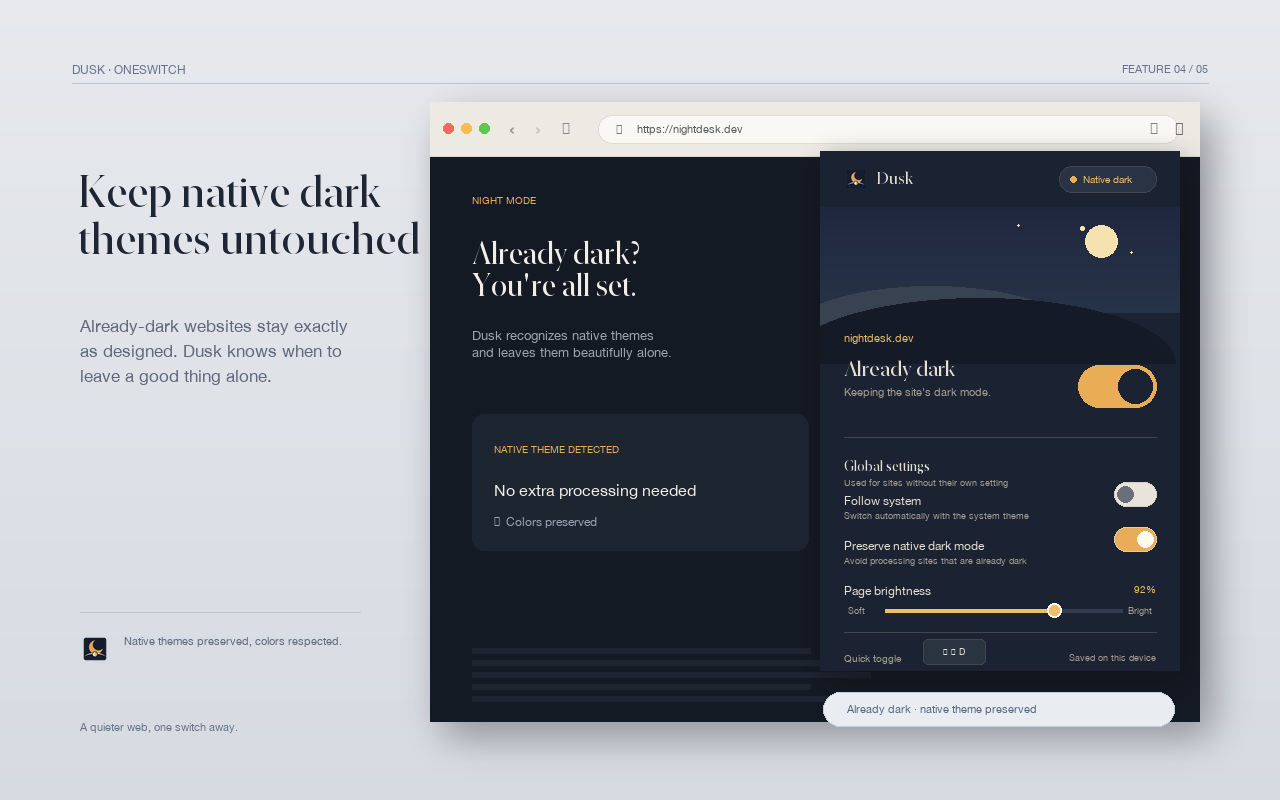
Apply dark mode to sites without an individual setting, or keep the default untouched until the next late-night session.
Dark mode for websites · Chrome extension
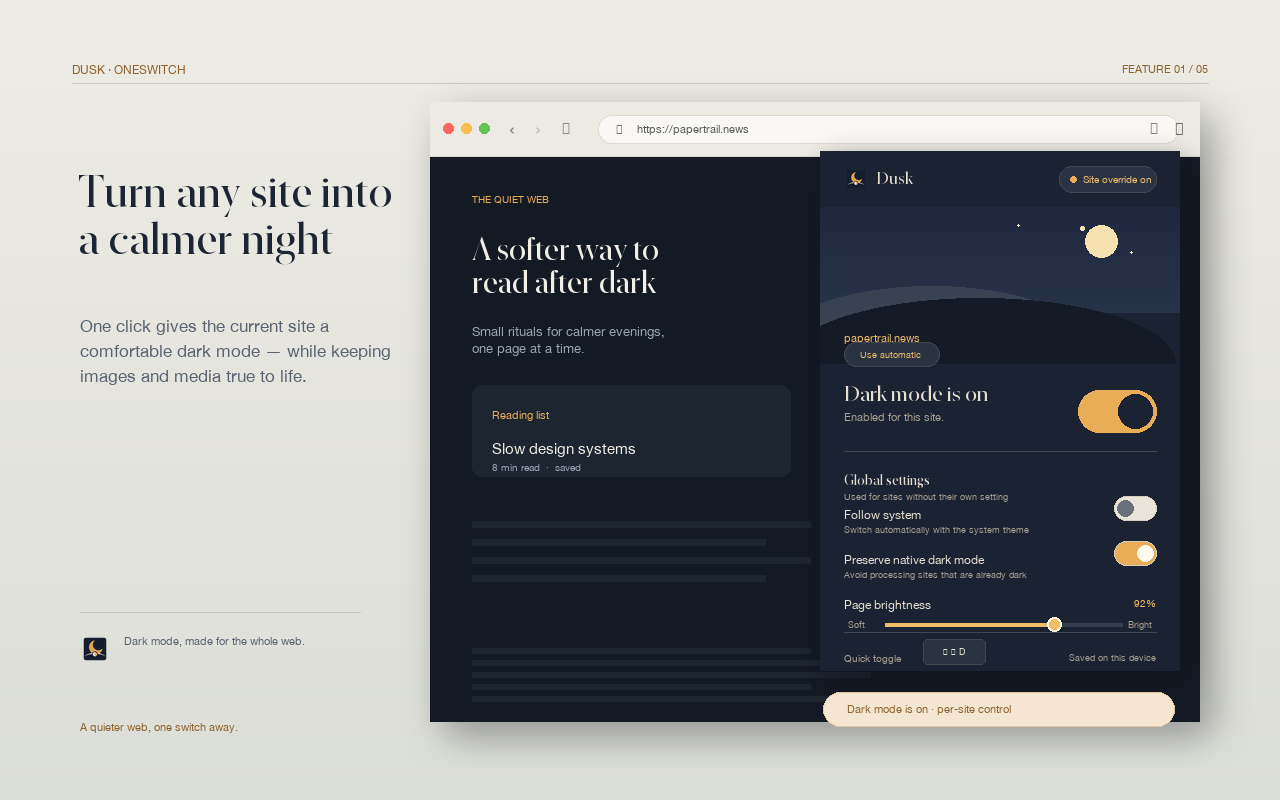
One click gives the current site a comfortable dark mode — while keeping images, video, maps, and your choices true to life.
✓ Free to use · no account · no tracking
01 / A better baseline
Dusk is built for the small moment when a white webpage feels too loud. Flip the current site, set a global preference, or let each website remember what feels right.
Control the moment
Keep your default setting intact, then make a local exception whenever a website needs one. Dusk remembers the choice by hostname, not by building a browsing-history list.
Try per-site control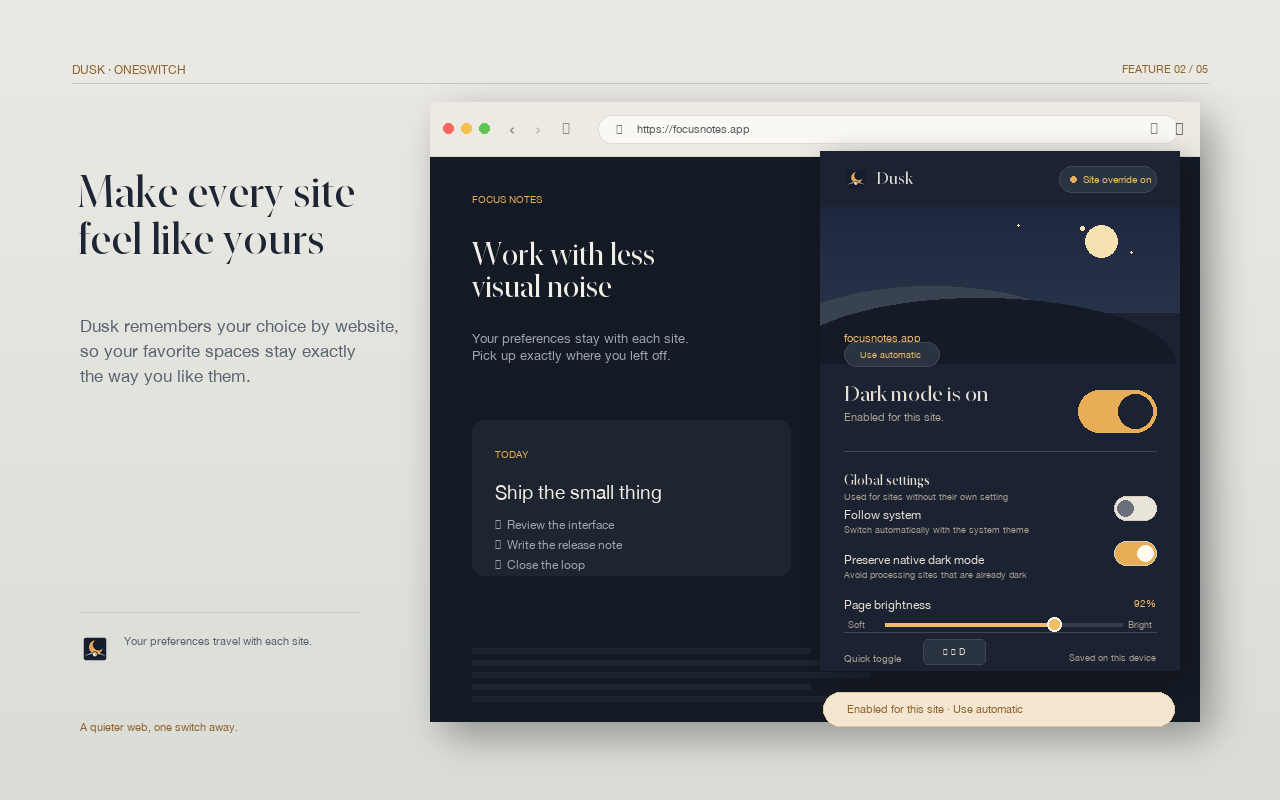 Site override / remembered locally
Less glare, more signal
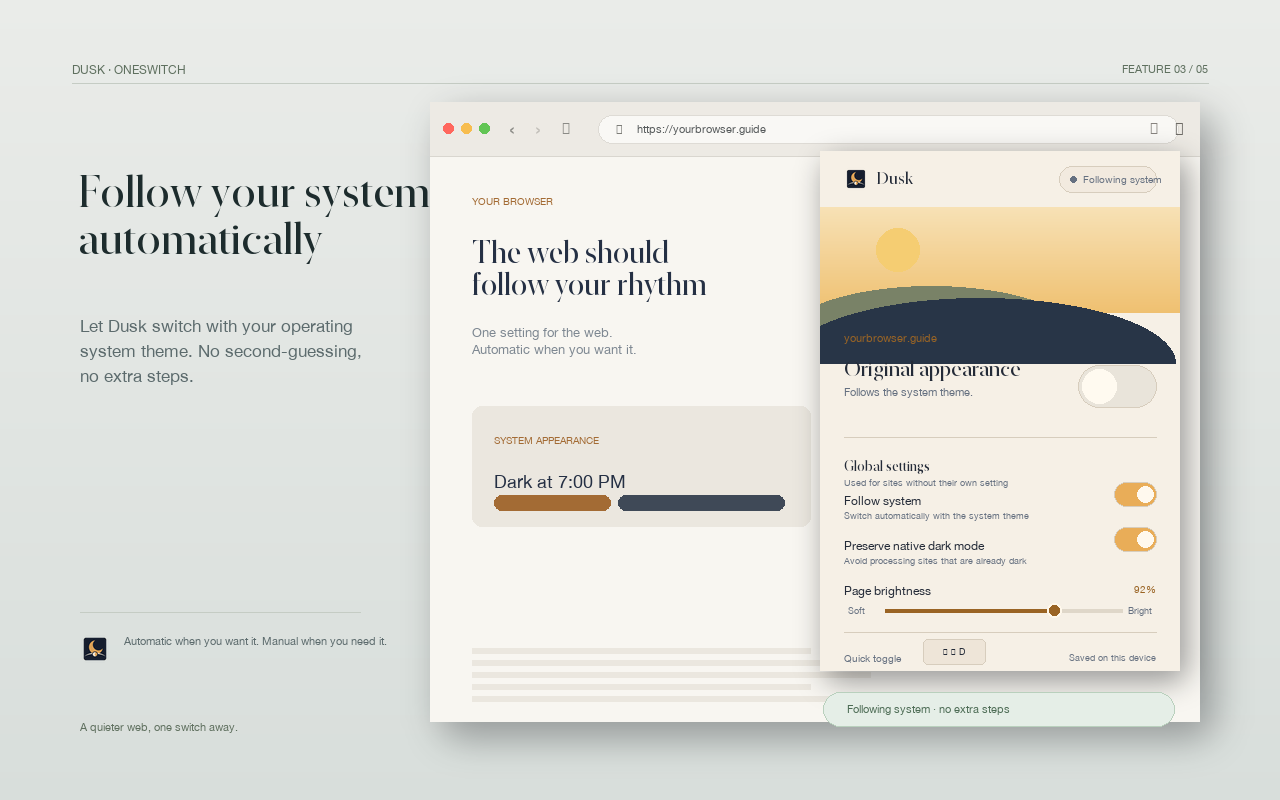
A browser dark mode extension that stays out of the way until you need it.
Apply dark mode to sites without an individual setting, or keep the default untouched until the next late-night session.
Images, video, maps, embeds, SVGs, and document canvases get special care so “dark” does not mean “inside out.”
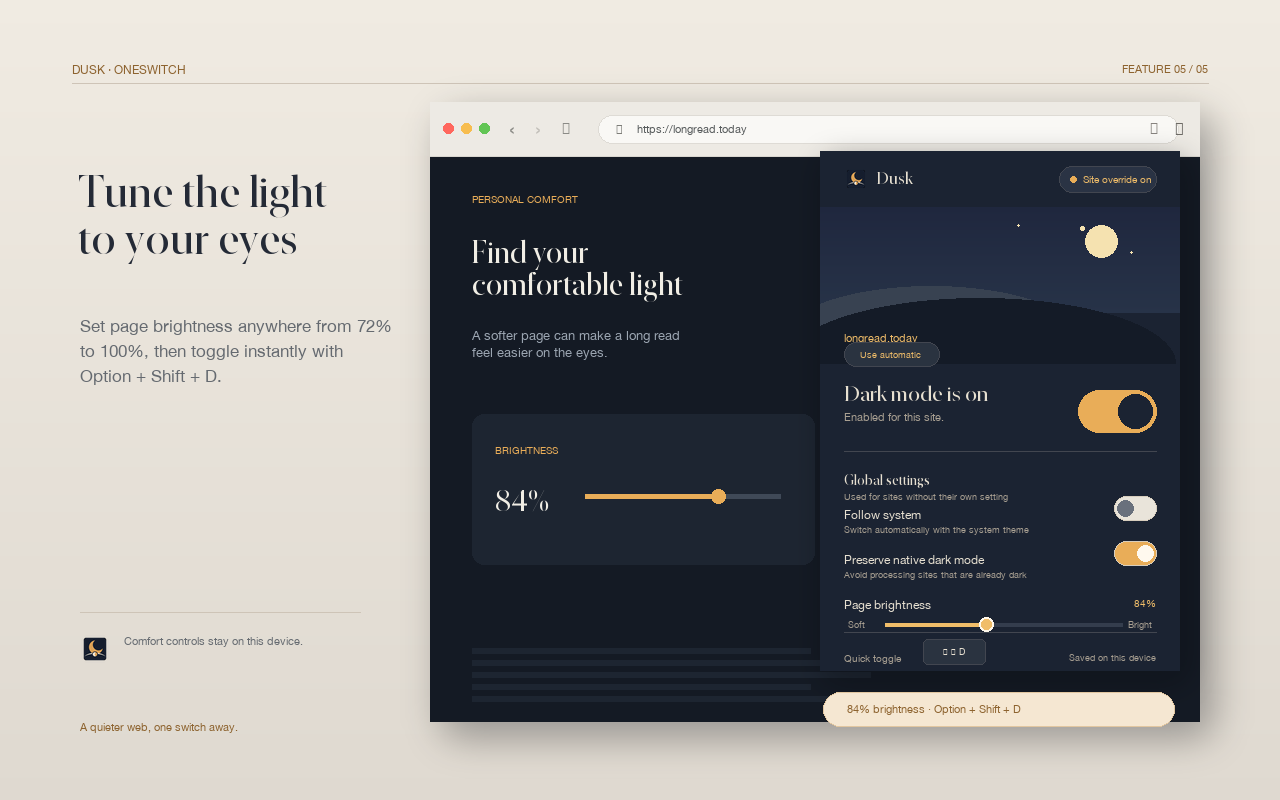
Dial the page from 72% to 100% brightness. Find a softer reading surface without changing your monitor or operating system.
Use ⌥⇧D on Mac or AltShiftD on Windows to toggle the current site.
02 / A calmer interface
Designed for reading, writing, and the pages between.
A useful permission story
Dusk has no account system, ads, analytics, or remote code. Settings live in Chrome’s local storage. Page visuals are processed in memory to apply the effect, then left alone.
03 / Start tonight
Add Dusk to Chrome, pin it to your toolbar, and choose how much of the web should follow your lead.
Add Dusk to ChromeOpen the Chrome Web Store listing and select Add to Chrome.
Pin Dusk to the toolbar so the switch is always close.
Toggle the current site, enable global dark mode, or adjust brightness.
Questions, answered
No. Dusk does not send webpage content, domains, settings, or visual information to the developer or third parties. Settings are stored with chrome.storage.local.
Yes. The current-site switch supports an independent on, off, or follow-global setting, and Dusk remembers that choice by hostname.
Dusk protects common media, maps, embeds, SVGs, and document canvases so their original colors remain intact wherever the page allows it.
Chrome internal pages, the Chrome Web Store, and some built-in PDF pages are protected by the browser and cannot be modified by extensions.